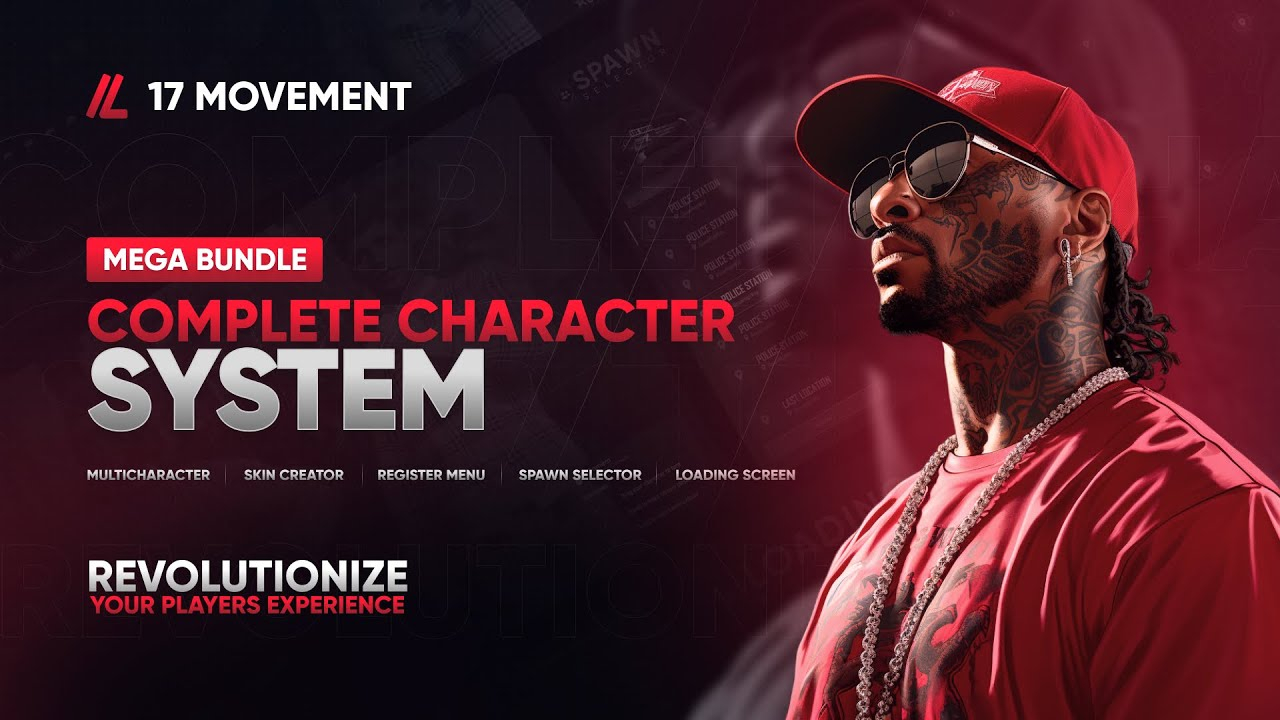
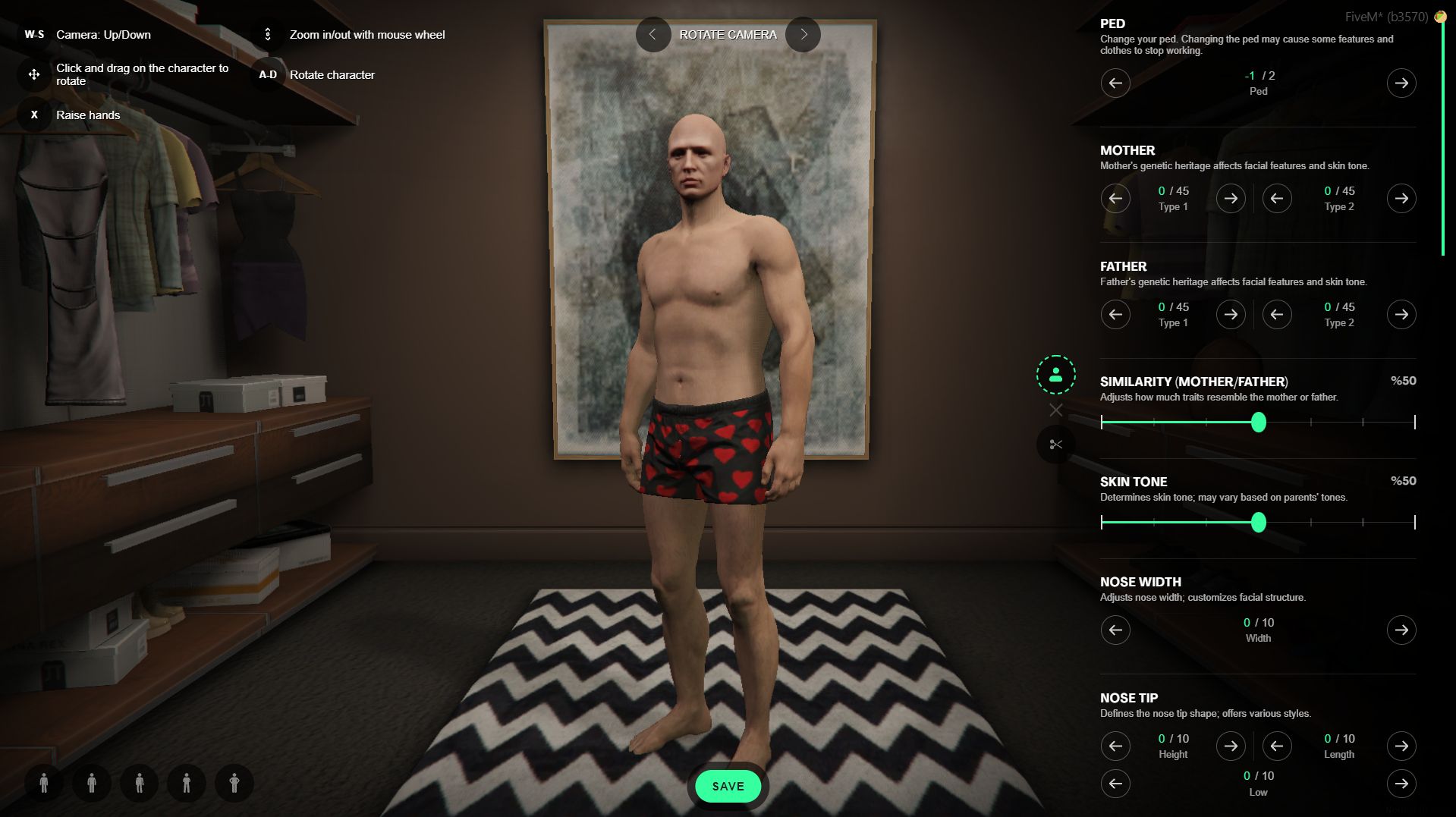
Complete Character System Scripts are in bytecode and must be made open source using ChatGPT or similar tools. Shared by Modrelease Bot
devCon Studio/Ventura Roleplay - Custom Garage Open Source Shared by Modrelease Bot
Advanced Ped Scale System - Open Source Shared by Modrelease Bot
Trucker Simulator Script NOT OPEN SOUCE, BUT DECRYPTED IN BYTECODE! Shared by Modrelease Bot
Drug Selling - Open Source Shared by Modrelease Bot
Safezone Creator - Open Source Product Features Easy Zone Creator Quasar Safezone Creator includes an extremely simple zone creator that allows staff to create safe areas directly in-game. No external editors or complex setup required. In just a few steps, you can define zone size, position, and behavior, enabling fast, clean, and fully optimized management for modern FiveM servers. Blip Support Each safezone created with Quasar Safezone Creator can optionally display a blip on the map, fully compatible with ESX, QB, QBCore and QBox servers. This allows players to clearly identify protected areas such as hospitals, police stations, or event locations. Blips can be enabled or disabled per zone, keeping the map clean and optimized for FiveM roleplay servers. Multiple Zone Types Quasar Safezone Creator supports multiple zone types designed for FiveM servers using ESX, QB, QBCore and QBox. You can create visual-only zones, zones that trigger notifications, or zones that automatically heal players while inside. This flexibility allows the system to be used for hospitals, events, tutorials, and protected RP areas. Command-Based Creator The safezone creator is launched using a simple in-game command, allowing administrators on ESX, QB, QBCore and QBox servers to create and edit zones in real time. This eliminates server restarts and enables fast deployment of temporary or permanent safezones, making it ideal for live events and active FiveM roleplay environments. Entry & Exit Notifications Quasar Safezone Creator includes optional notifications when entering or exiting a safezone on ESX, QB, QBCore and QBox servers. These notifications clearly inform players without cluttering the interface. Each zone can enable or disable notifications individually, allowing full control over player feedback in both realistic and arcade-style FiveM servers. Full Standalone Quasar Safezone Creator is fully standalone and works independently of ESX, QB, QBCore or QBox, while remaining 100% compatible with all Shared by Modrelease Bot
Ban Screen 1.0.0 Installation 1. Place the `ban` folder inside `resources/` 2. Add to your `server.cfg`: ensure ban 3. Open `config.lua` and set `Config.DbPath` to the full path of your `playersDB.json` 4. go to txadmin and /settings and disable ban checking Configuration All settings are in `config.lua`. | Option | Default | Description | |---|---|---| | `Config.DbPath` | *(your path)* | Full path to txAdmin's `playersDB.json` | | `Config.CardPath` | `'ban_card.json'` | Path to the Adaptive Card template | | `Config.DateFormat` | `'%d.%m.%Y %H:%M'` | Date format for ban/expiry dates | | `Config.PermanentLabel` | `'Permanent'` | Label in date fields for permanent bans | | `Config.PermanentRemainingLabel` | `'PERMANENT'` | Label in the time remaining field | | `Config.ExpiredLabel` | `'Expired'` | Label when a temporary ban has expired | | `Config.StatusPermanent` | `'permanent'` | `{{statusType}}` value for permanent bans | | `Config.StatusTemporary` | `'temporary'` | `{{statusType}}` value for temporary bans | | `Config.FallbackKickMessage` | `'You are banned...'` | Kick text used when the card fails to load | | `Config.DeferralMessage` | `'Checking ban status...'` | Message shown during the ban check | | `Config.LogoUrl` | Discord CDN URL | Logo shown at the top of the ban card | | `Config.DiscordUrl` | `'https://primeleaks.cc'` | URL opened by the Discord button | Ban Card Template Variables Available in `ban_card.json`: | Variable | Description | |---|---| | `{{reason}}` | Ban reason | | `{{id}}` | Ban ID | | `{{author}}` | Admin who issued the ban | | `{{date}}` | Date the ban was created | | `{{expiration}}` | Expiry date or "Permanent" | | `{{playerName}}` | Connecting player's name | | `{{statusText}}` | `PERMANENT` or `TEMPORARY` (uppercase) | | `{{statusType}}` | `permanent` or `temporary` (lowercase) | | `{{timeRemaining}}` | Time left (e.g. `2d 4h 30m`) or `PERMANENT` | | `{{logoUrl}}` | Value of `Config.LogoUrl` | | `{{discordUrl}}` | Value o Shared by Modrelease Bot
MDT & CAD - Enhance the police experience [Opensource] Live: In-Game CAD & MDT Integrated: Criminal Database Advanced: Justice & Fines Interactive: Jail System ALPR & BOLO Scanner
Bowling Transform your FiveM server with a highly polished and fully interactive bowling experience. The Realistic Bowling System delivers smooth, synchronized multiplayer gameplay with advanced bowling physics, immersive custom animations, and engaging minigame mechanics — all tailored to bring the feel of a real bowling alley into the world of FiveM. Built for both casual and competitive play, this system allows players to fine-tune each throw with control over power and spin. Whether they’re playing solo or going head-to-head with friends, every frame feels fluid, fair, and fun. Scores are displayed live on in-game TVs through an integrated leaderboard system, making it easy to track top performances across the server. The package also includes two exclusive high-quality RTX bowling maps fully integrated and ready to use out of the box — no need to search for separate MLOs. Additionally, the system is fully compatible with popular interiors like GABZ, BREEZE, Map4All, K4MB1, G&N, and can be easily configured to support any custom bowling MLO. To further enhance immersion, the system features a full set of realistic animations, including ball pickup, throwing, and idle stances. It also includes a skittle stand for pin arrangement and a functional sweeper that clears the lane — all synced and animated with attention to detail. From ball color variations to player movement, every part of the experience is built to look and feel authentic. Every detail of this resource has been designed for flexibility and immersion. From nickname personalization and round selection, to prop interaction and ball color customization, the experience is built to feel dynamic and complete. The entire system is plug-and-play, optimized for performance, and works seamlessly with all FiveM frameworks. If you’re looking to add an activity that’s fun, unique, and keeps players engaged — the Realistic Bowling System is the perfect addition to your FiveM server. Our bowling also works for servers Shared by Modrelease Bot
exo-personalmenu - Made opensource by me - Fixed some issues & errors - Made it better then before - 100% working Shared by Modrelease Bot
Nero-V Custom Coinshop - Fully Opensource - Backend made by me - Its working 100% Shared by Modrelease Bot
FPS Optimization Tool Free release and opensource Shared by Modrelease Bot
EXO-COINSHOP Fully opensource and working 100% Shared by Modrelease Bot
EXO-OSTERKALENDER SYSTEM Fully Working and mostly opensource, only js is obfuscated! Shared by Modrelease Bot
Venice Loadingscreen Codem Venice Loadingscreen — A fully customizable FiveM loading screen with seasonal themes, media tools, and server content built in. Set the tone before players ever spawn. Venice Loadingscreen gives your server a professional, content-rich loading experience — seasonal themes, a music player, photo albums, server changelogs, credits, social links, and a keyboard reference, all configured from a single file. FEATURES 5 Seasonal Themes — Choose from Default, Fall, Winter, Spring, and Summer. Each theme changes the visual style of the entire loading screen. Switch with one line in the config. Video Background — Enable an MP4 video as the loading screen background instead of a theme. Drop your video file in the assets folder, set enable_video to true, and it runs automatically. Music Player — Built-in music player with configurable volume, track name, and artist display. Replace the included track by swapping the music.mp3 file. Players can toggle music on or off from their personal settings. Photo Albums — Create multiple named albums and fill them with server screenshots or promotional images. Players can browse your albums directly on the loading screen while they wait. Server Changelogs — Display versioned update logs for your server with support for multiple categories — New Features, Improvements, and Bug Fixes. Keep your community informed the moment they connect. Credits Section — List your server's Founders, Developers, and Designers with Discord usernames. Each role group has its own configurable gradient color. Keyboard Layout — Interactive keyboard layout that shows players your server's keybinds. Toggle individual keys on or off, assign descriptions, and support key combinations. Social Media Links — Link your Discord, Instagram, X, YouTube, and TikTok directly from the loading screen. Players are prompted with a confirmation before being redirected. Hold to Launch — Configurable delay after resources load before the game launches. Prevents multicharac Shared by Modrelease Bot
Water Park TESTED WITH QBOX FRAMEWORK Shared by Modrelease Bot
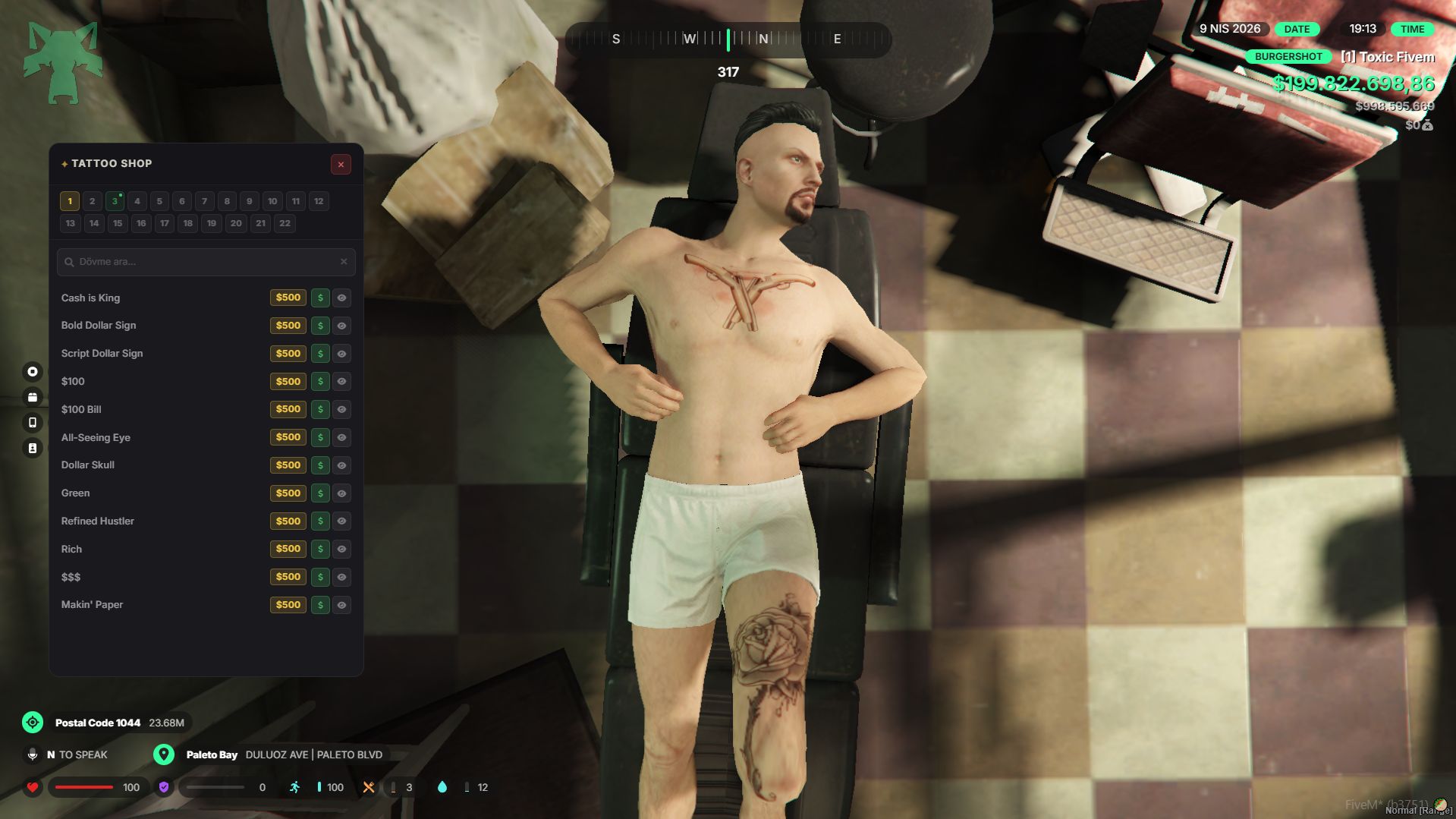
Tattoo shop with Business, Job & Addon Working Rcore Tattoo Shop script - fully functional and tested with no errors. The code is clean, optimized, and well-structured, with all features running smoothly and stable performance overall. No bugs encountered and ready for production use Shared by Modrelease Bot
GMRP Loadingscreen - Opensource Shared by Modrelease Bot
Evora RP Custom Radiolist - Fully opensource Shared by Modrelease Bot
Evora RP Custom Loadingscreen - Fully opensource Shared by Modrelease Bot
Paro City Hud - Only Clientside - Fully Opensource Use claude or whatever AI you wanna use, to make a serverside! Shared by Modrelease Bot
Prius Namechange - Fully Opensource Shared by Modrelease Bot